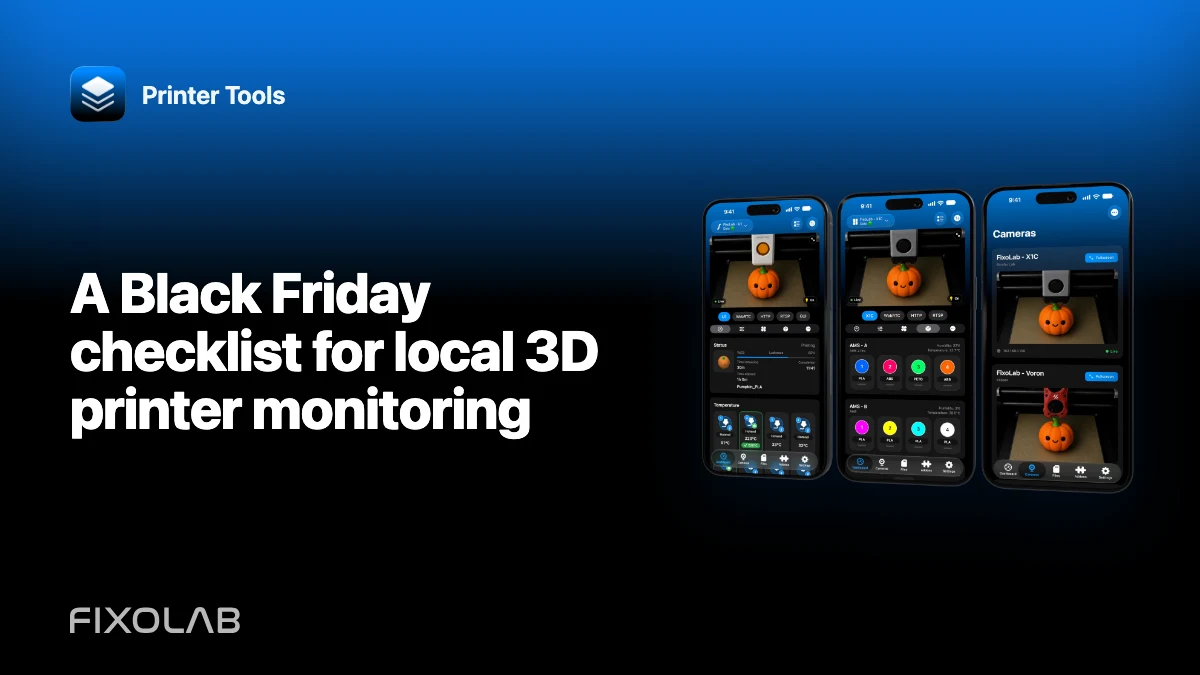
A Black Friday checklist for local 3D printer monitoring
A Wi-Fi logo does not guarantee an open or documented local interface. Before buying, separate manufacturer cloud features from the local capabilities Printer Tools can actually use.
Printer Tools communicates with supported printers and cameras through local protocols. Keep devices private, preserve credentials and use the current compatibility matrix as the authority for model-specific capabilities.

All your 3D printers in one dashboard
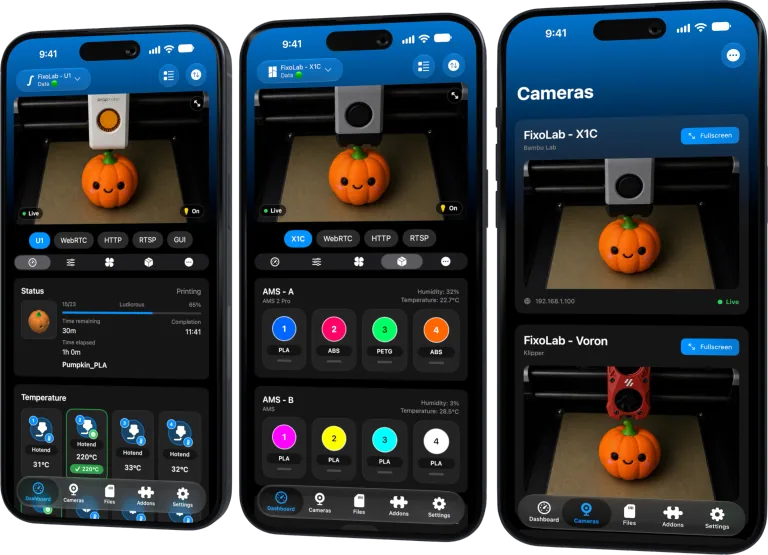
Monitor Bambu Lab, Klipper, OctoPrint, Creality, Snapmaker, Anycubic, Flashforge, Elegoo, and Prusa printers from one app
Available on Android, iPhone, iPad and Mac, with Apple Watch and Wear OS companion apps plus optional remote access through VPN, OctoEverywhere or Obico
Record the exact model and region
Marketplace listings can combine revisions or bundles. Save the full model name, firmware family and included camera or material system.
Look for verified local protocols
Check whether the printer exposes a supported local API, Moonraker, OctoPrint, documented LAN mode or model-specific integration. Avoid assuming that a browser dashboard means third-party access.
Check camera transport
Confirm whether video is RTSP, RTSPS, MJPEG, ONVIF, WebRTC or vendor-only cloud. Camera support can differ from telemetry support.
Plan the network and ownership lifecycle
Verify local credentials, offline behavior, firmware policy, warranty and replacement parts. Use the current Printer Tools compatibility page as evidence, not a future-support promise.
Local troubleshooting checklist
- Identify exact model and bundle.
- Check current compatibility.
- Verify telemetry and camera separately.
- Confirm local behavior without public port forwarding.
Frequently asked questions
Does Wi-Fi mean Printer Tools support?
No. The local protocol and authentication must be compatible.
Should I buy based on an announced roadmap?
Treat only released verified support as available.
Can cloud-only cameras be added locally?
Not unless they expose a supported local media endpoint.
All your 3D printers in one dashboard
Monitor Bambu Lab, Klipper, OctoPrint, Creality, Snapmaker, Anycubic, Flashforge, Elegoo, and Prusa printers from one app
Available on Android, iPhone, iPad and Mac, with Apple Watch and Wear OS companion apps plus optional remote access through VPN, OctoEverywhere or Obico
| FixoLab
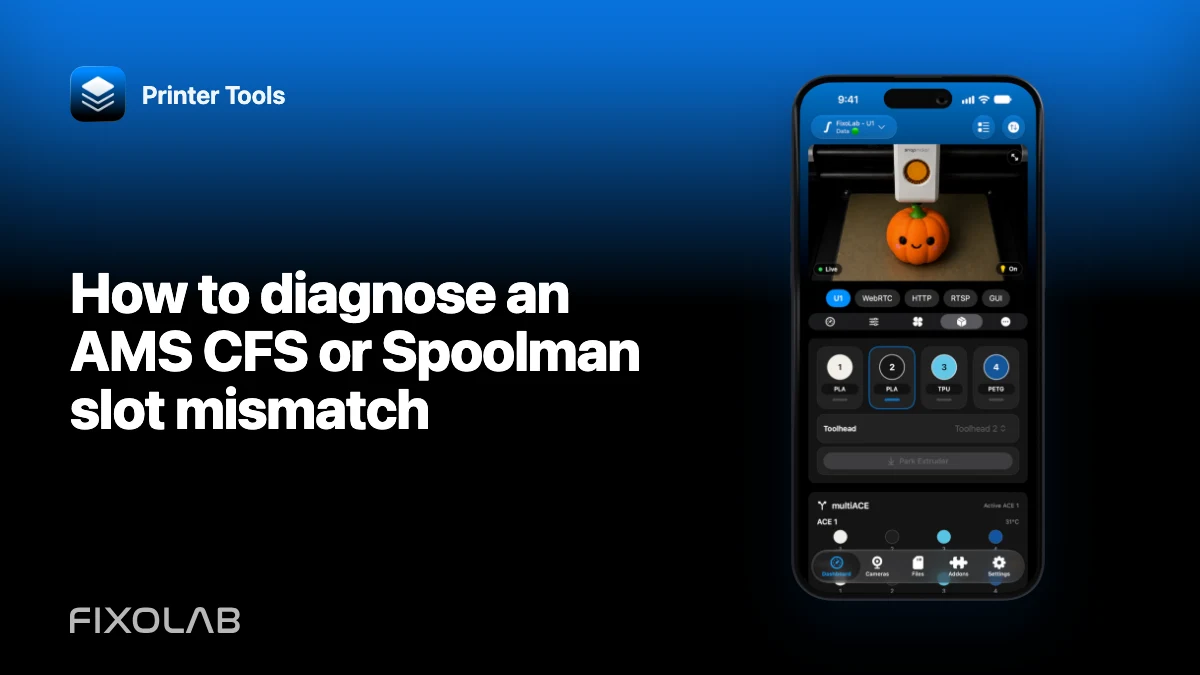
How to diagnose an AMS CFS or Spoolman slot mismatch
Separate physical slot identity, printer mapping and external inventory when filament appears in the wrong place.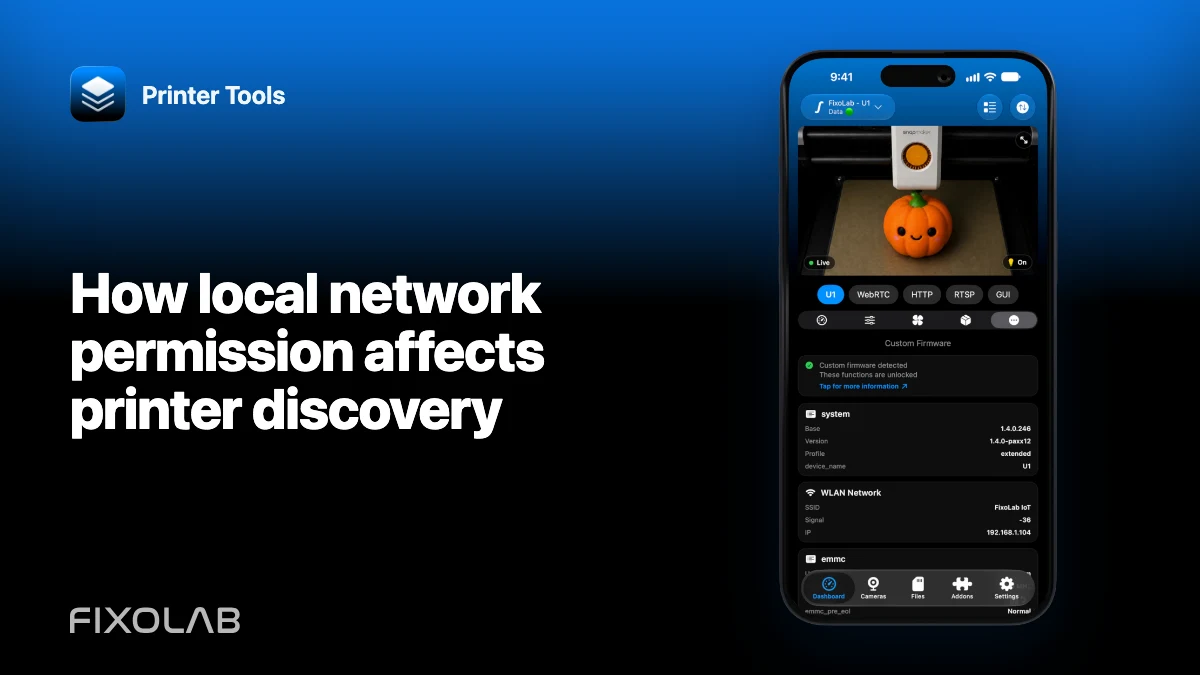
| FixoLab
How local network permission affects printer discovery
Check iOS and Android network permissions, Wi-Fi isolation and VPN behavior when Printer Tools cannot find local devices.
| FixoLab
Why print progress jumps after a pause or reconnect
Explain byte-based progress, server snapshots and resynchronization when a print percentage moves suddenly.
| FixoLab
Why remaining print time differs between the app and printer
Understand slicer estimates, firmware updates and client refresh timing when remaining time values disagree.