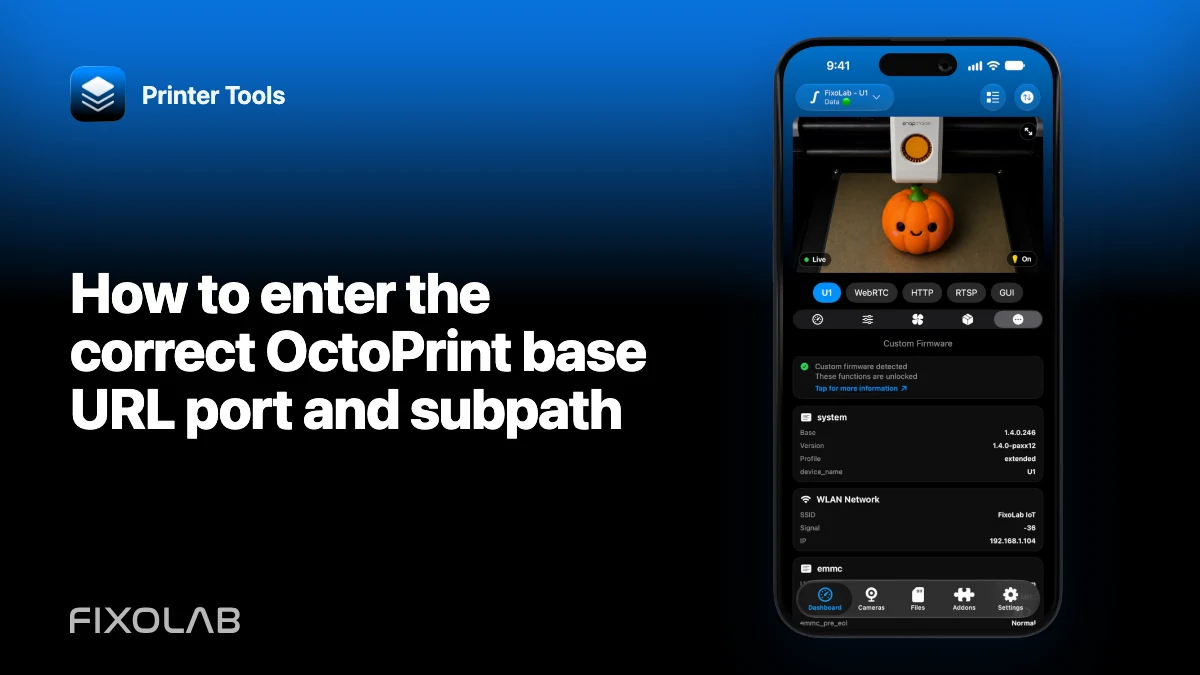
How to enter the correct OctoPrint base URL, port and subpath
Most OctoPrint connection errors begin with a nearly correct address. Scheme, host, port and optional reverse-proxy subpath must describe the service root once.
Printer Tools communicates with supported printers and cameras through local protocols. Keep devices private, preserve credentials and use the current compatibility matrix as the authority for model-specific capabilities.

All your 3D printers in one dashboard
Monitor Bambu Lab, Klipper, OctoPrint, Creality, Snapmaker, Anycubic, Flashforge, Elegoo, and Prusa printers from one app
Available on Android, iPhone, iPad and Mac, with Apple Watch and Wear OS companion apps plus optional remote access through VPN, OctoEverywhere or Obico
Start with the scheme and host
Use http or https according to the real endpoint and enter the current private IP or trusted local hostname. A hostname that resolves only on one computer will not work on the phone.
Add the port only when needed
Direct OctoPrint often uses a configured non-default port, while a reverse proxy may use standard 80 or 443. Do not copy the camera port.
Add one base subpath
If the proxy publishes OctoPrint under /octoprint/, include that base path once. Do not append /api or a specific browser page unless the app explicitly requests it.
Check normalization and redirects
A trailing slash should not produce a loop or duplicate path. Test the base in the same network context and confirm redirects stay on the reachable hostname.
Local troubleshooting checklist
- Confirm scheme and reachable host.
- Use the service port.
- Include the proxy subpath once.
- Keep camera and API URLs separate.
Frequently asked questions
Should the URL end in /api?
Normally no. Enter the configured OctoPrint base unless the app says otherwise.
Can I use localhost?
Only on the machine running OctoPrint; on a phone it refers to the phone itself.
Why is the camera URL different?
OctoPrint can reference a separate webcam service with its own host, port and path.
All your 3D printers in one dashboard
Monitor Bambu Lab, Klipper, OctoPrint, Creality, Snapmaker, Anycubic, Flashforge, Elegoo, and Prusa printers from one app
Available on Android, iPhone, iPad and Mac, with Apple Watch and Wear OS companion apps plus optional remote access through VPN, OctoEverywhere or Obico
| FixoLab
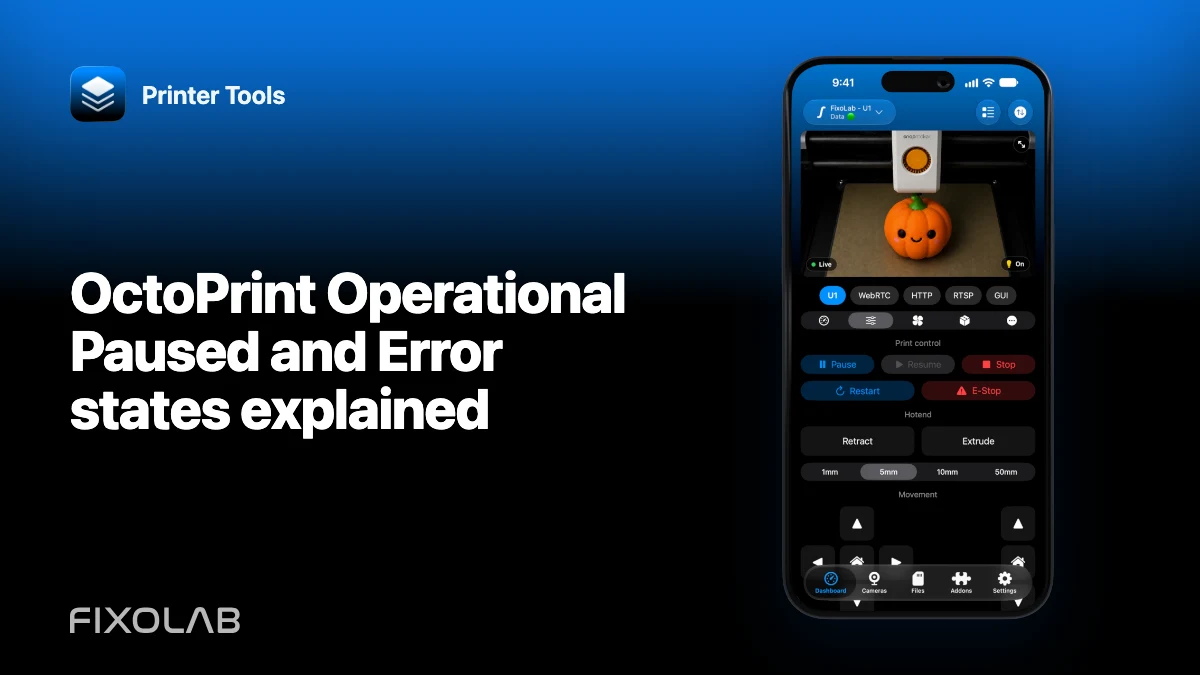
OctoPrint Operational Paused and Error states explained
Read common OctoPrint job and connection states without treating every connected server as ready to print.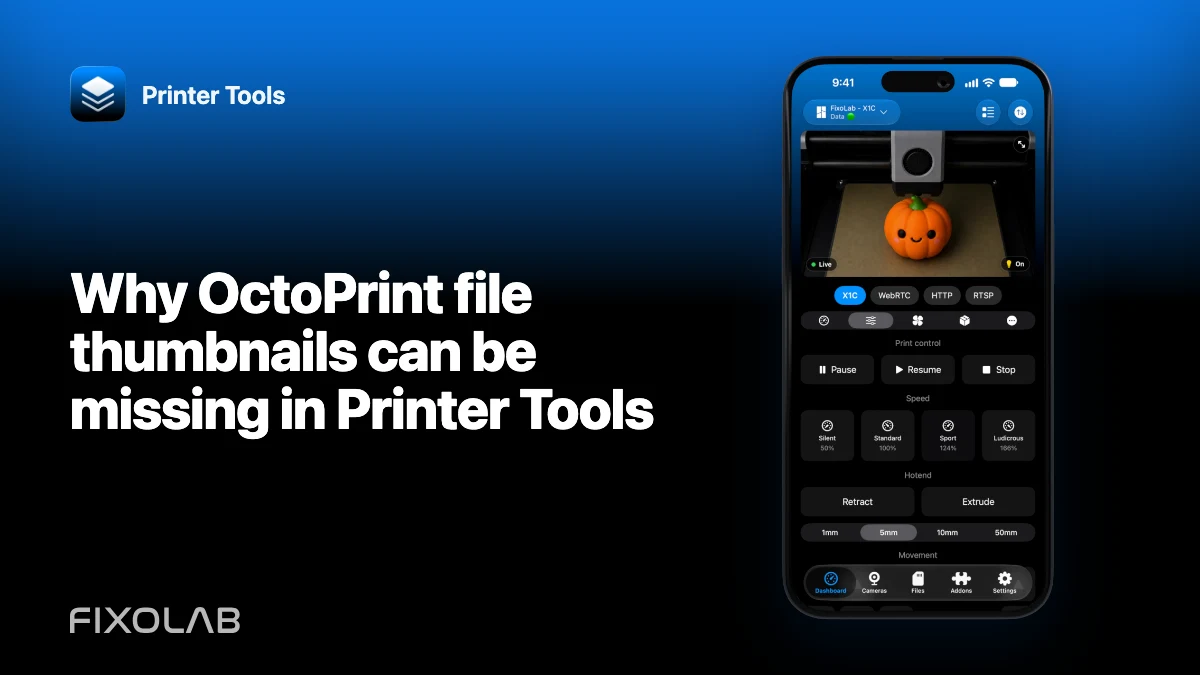
| FixoLab
Why OctoPrint file thumbnails can be missing in Printer Tools
Check slicer metadata, thumbnail plugins, file origin and URL reachability when an OctoPrint job has no preview.
| FixoLab
How to use OctoPrint behind HTTPS and a reverse proxy
Preserve the OctoPrint base path, headers and WebSocket upgrades when connecting Printer Tools through a trusted proxy.
| FixoLab
OctoPrint Application Keys and the Global API Key explained
Choose a revocable app-specific OctoPrint credential where available and understand the risks of the global key.