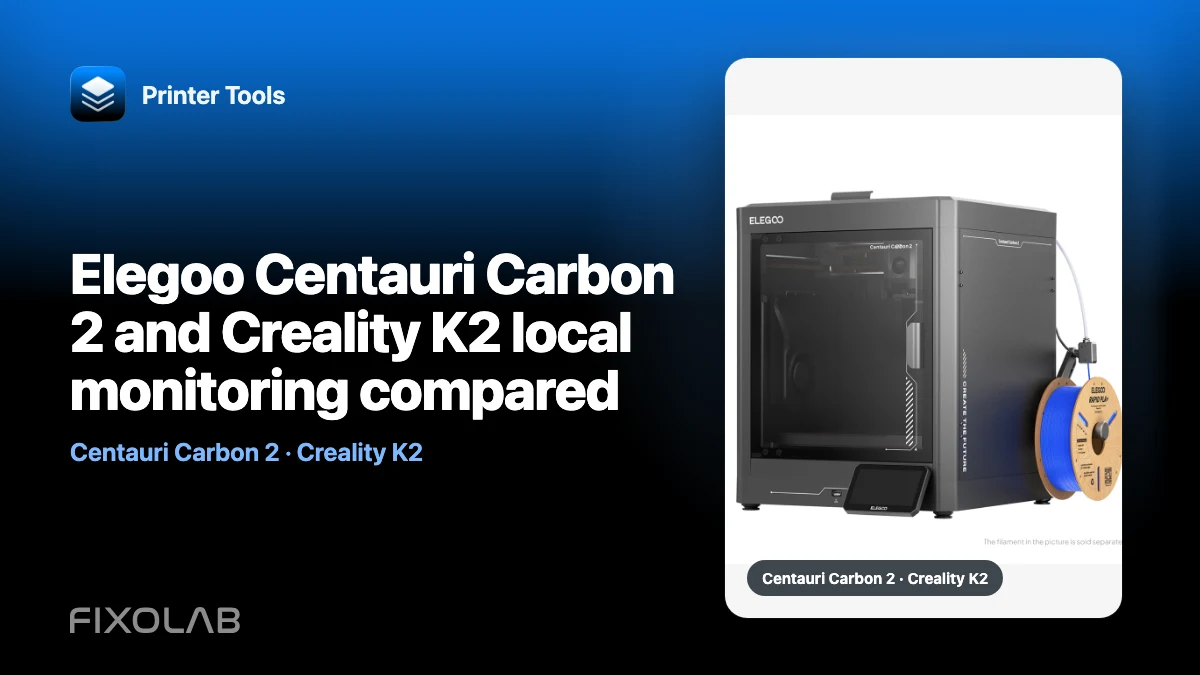
Elegoo Centauri Carbon 2 and Creality K2 local monitoring compared
Centauri Carbon 2 and Creality K2 are distinct integrations even when both appear as network printers. Use the current model-specific connection rather than a generic brand recipe.
Printer Tools communicates with supported printers and cameras through local protocols. Keep devices private, preserve credentials and use the current compatibility matrix as the authority for model-specific capabilities.

All your 3D printers in one dashboard
Monitor Bambu Lab, Klipper, OctoPrint, Creality, Snapmaker, Anycubic, Flashforge, Elegoo, and Prusa printers from one app
Available on Android, iPhone, iPad and Mac, with Apple Watch and Wear OS companion apps plus optional remote access through VPN, OctoEverywhere or Obico
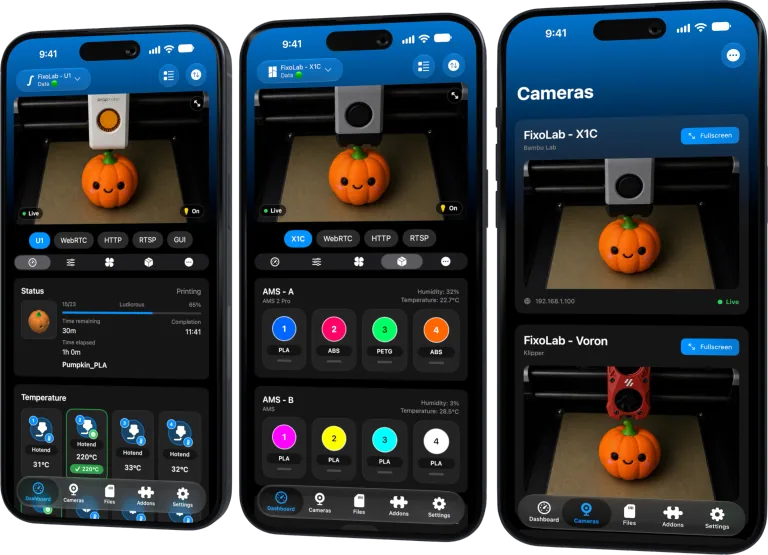
Add the exact printer
Select the precise supported model and enter only the credentials or address that its setup requests. Similar hostnames on one LAN can otherwise lead to the wrong machine.
Treat camera as its own capability
Confirm the camera transport and live-view behavior documented for each model. Creality K2 WebRTC problems require a different diagnosis from an RTSP-style source.
Review telemetry and material systems
Compare temperatures, job state, remaining time, files and material-system data only where the compatibility matrix confirms them. Firmware can change individual fields.
Keep the comparison neutral
Local monitoring quality is one purchase criterion. Printer specifications, materials, service and workflow belong in separate evidence.
Local troubleshooting checklist
- Check exact model and firmware.
- Verify local address and identity.
- Test telemetry and camera separately.
- Review current unsupported items.
Frequently asked questions
Does the same brand guide cover every Elegoo printer?
No. Model protocols and available features can differ.
Can a WebRTC issue be fixed with an RTSP port?
No. They are different negotiation and transport paths.
Does this comparison choose a winner?
No. It documents local monitoring differences only.
All your 3D printers in one dashboard
Monitor Bambu Lab, Klipper, OctoPrint, Creality, Snapmaker, Anycubic, Flashforge, Elegoo, and Prusa printers from one app
Available on Android, iPhone, iPad and Mac, with Apple Watch and Wear OS companion apps plus optional remote access through VPN, OctoEverywhere or Obico
| FixoLab
Which Elegoo Printers Does Printer Tools Support?
Printer Tools supports the full Elegoo Centauri lineup, Centauri, Centauri Carbon and Centauri Carbon 2, each connected automatically over its own local protocol.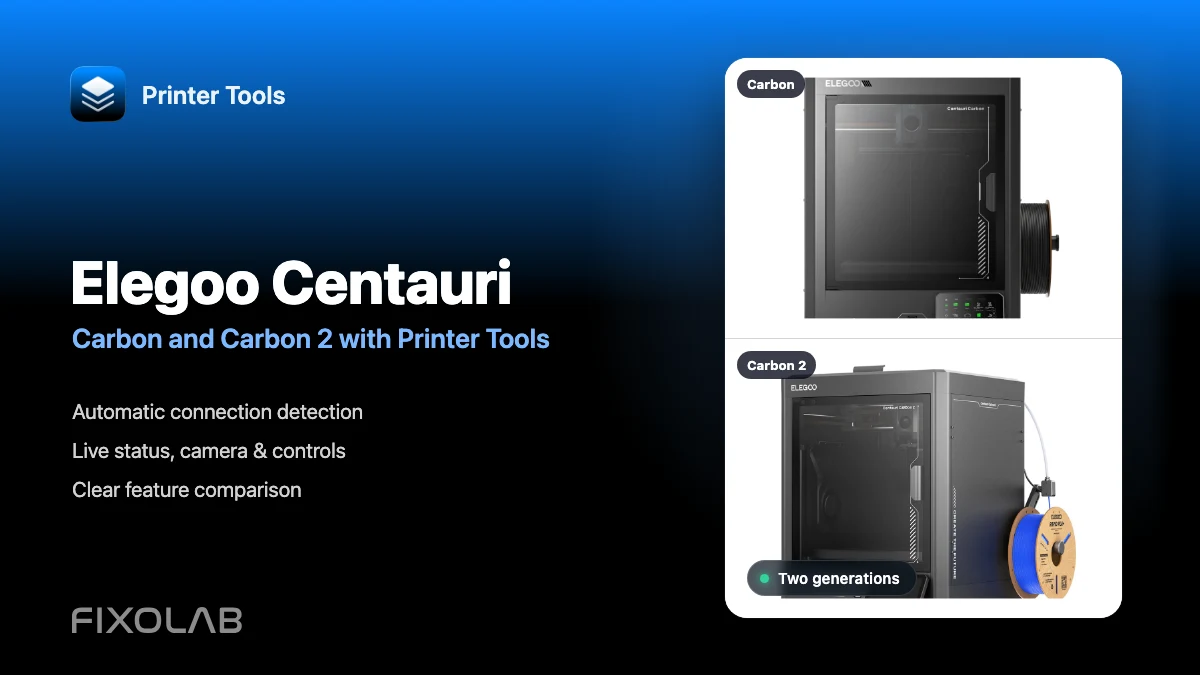
| FixoLab
Using Elegoo Centauri Carbon and Centauri Carbon 2 with Printer Tools
See how Printer Tools connects to Elegoo Centauri Carbon and Carbon 2, what both models support and which current limitations they share.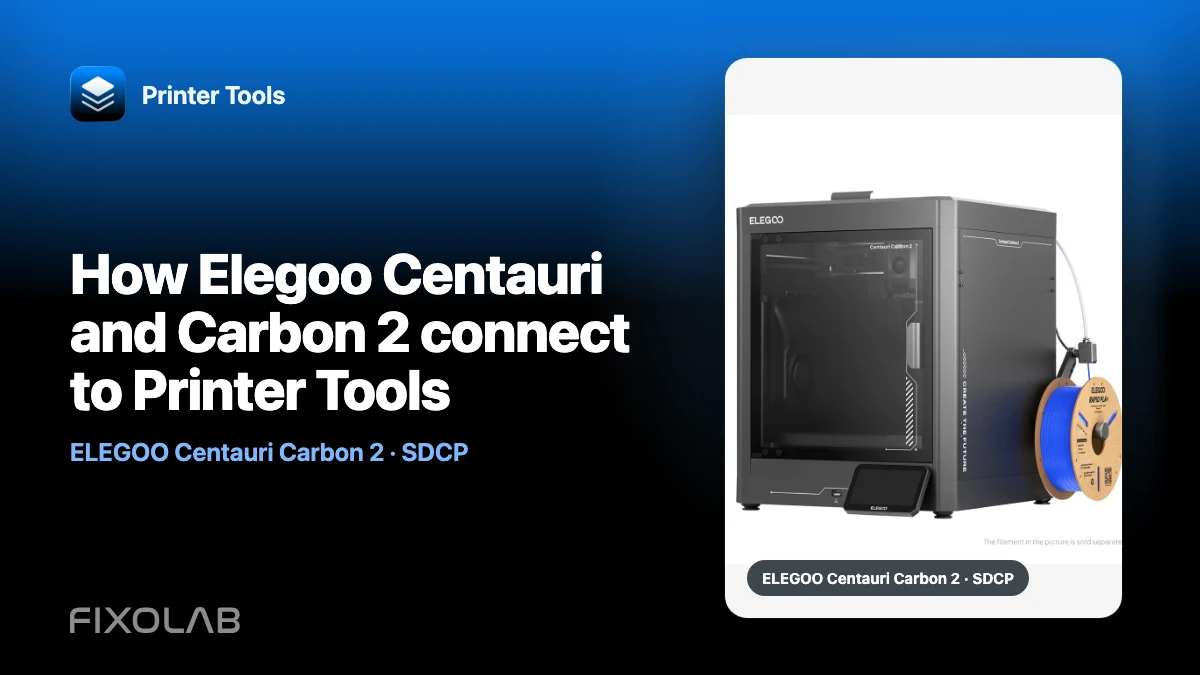
| FixoLab
How Elegoo Centauri and Carbon 2 connect to Printer Tools
Understand the SDCP WebSocket used by Elegoo Centauri models and the dedicated local MQTT connection used by Centauri Carbon 2.
| FixoLab
Printer Tools Is Now Compatible With Anycubic, Flashforge, Elegoo and Obico
Printer Tools now supports Anycubic, Flashforge, Elegoo and Obico, with live monitoring, camera streaming, ACE and material-station tracking, and remote access via Obico.