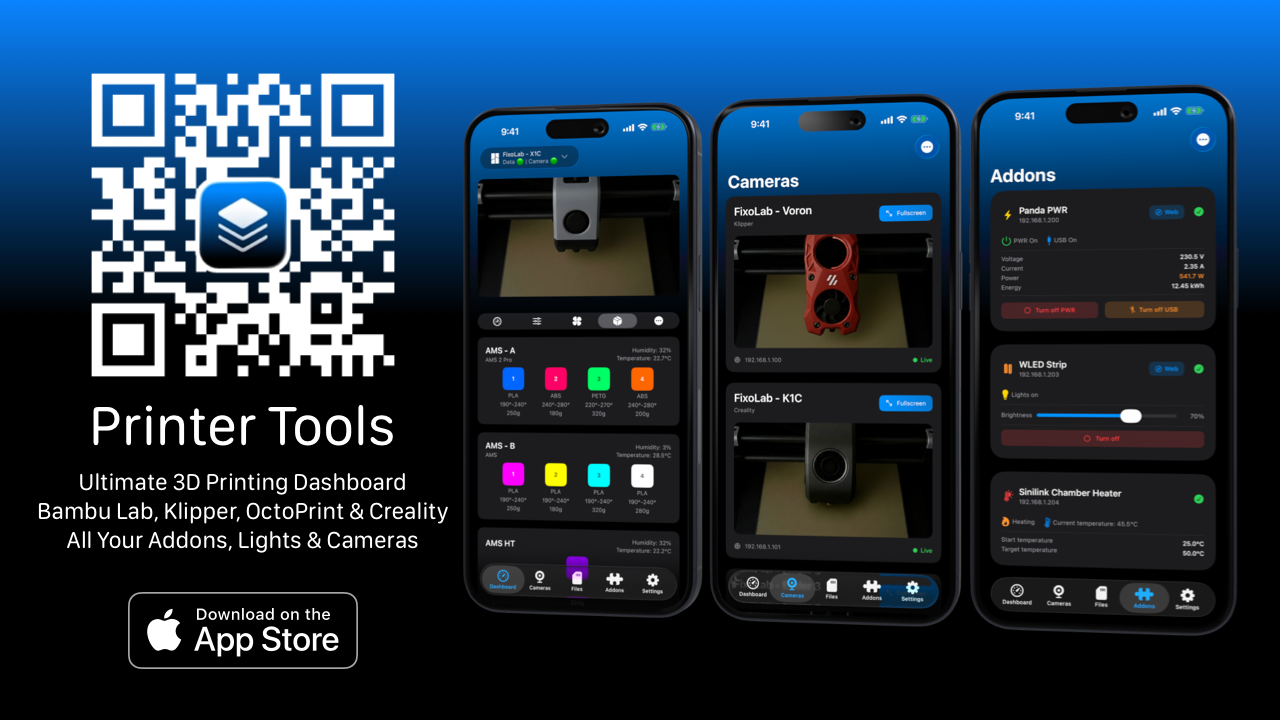
Printer Tools: Official launch of my new 3D printer dashboard
🚀 Today I want to introduce you to Printer Tools ✨
A new project I’ve been working on over the past year that is now a reality: Printer Tools, a dashboard designed to control and manage 3D printers comfortably, clearly and from anywhere.
The idea is simple: have all the important information about your prints in one place, regardless of the printer brand or the device you’re accessing from.
Printer Tools App
Ultimate 3D Printer Control
Connect printers from BambuLab, Klipper, OctoPrint and Creality from anywhere.
Monitor your prints in real-time and control everything from your iPhone, iPad, Mac or Apple Watch.
🔍 What is Printer Tools?
An app designed for makers, professionals and print farms who want complete control over their prints, without depending on a single brand or ecosystem.
It allows you to connect and manage 3D printers from a single panel, with real-time monitoring and an integrated experience on iOS, iPadOS, macOS and watchOS.
🌟 What you can do with Printer Tools
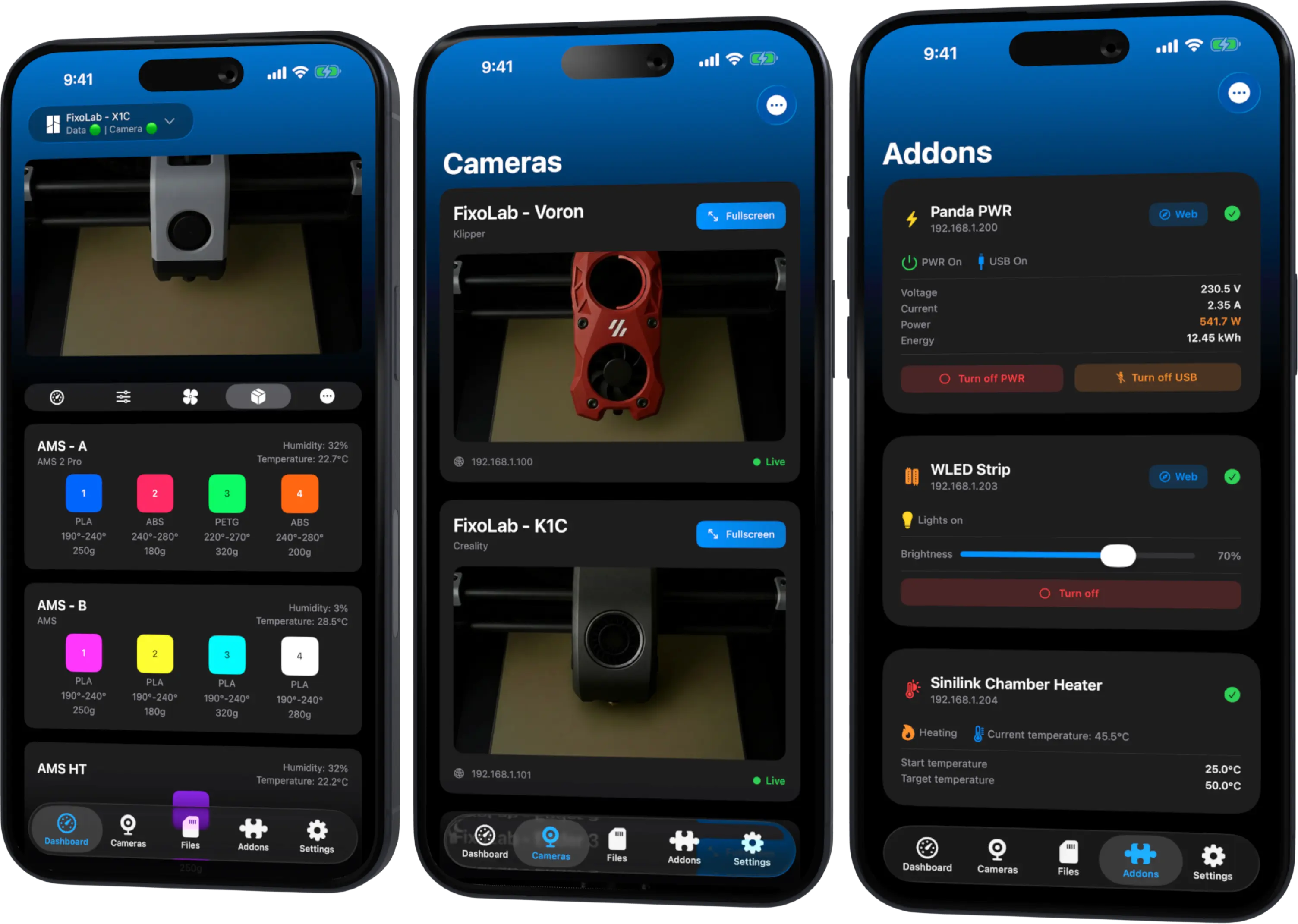
🔹 Real-time monitoring: print status, remaining layers, estimated time and temperatures of nozzle, bed and chamber.
🔹 External cameras: view your prints live via HTTP, RTSP and RTSPS.
🔹 Multiple printer management: ideal if you have several machines or manage a print farm.
🔹 Advanced file manager: organize GCODE and 3MF, inspect each file before printing and play timelapses directly from the app.
🔹 Advanced inspector: review layers, material needed and print settings before launching.
🔹 Easy sharing: share images, videos or timelapses of your prints in just a couple of taps.
🧩 Compatibility
- Bambu Lab
- Klipper (Mainsail, Fluidd)
- OctoPrint
- Creality
- Addons (BIGTREETECH, WLED, Sinilink)
- Compatible external cameras
💙 Project Philosophy
This project is born with the same philosophy as Scooter Tools and AdMate:
Create clear, powerful tools designed from real-world usage experience, listening to the community from day one.
📲 Try Printer Tools
📩 As always, feedback, ideas or suggestions are more than welcome. If you want a trial, write to me and we’ll see.
This is just the beginning 🚀